





Players & clubs
Free
Your account costs nothing. You pay the venue for the courts and sessions you book.
- Book courts and open play
- Join the queue from your phone
- Results after every session
- Start and run a club


For players, court owners and clubs
Find open play, book a court, or run the whole night from one app. Free to start.
One app runs the night. Players find a game, venues run the courts, clubs bring the regulars.

01 · For players
Find a game tonight, get in the queue from your phone, and see how you played when it’s over.
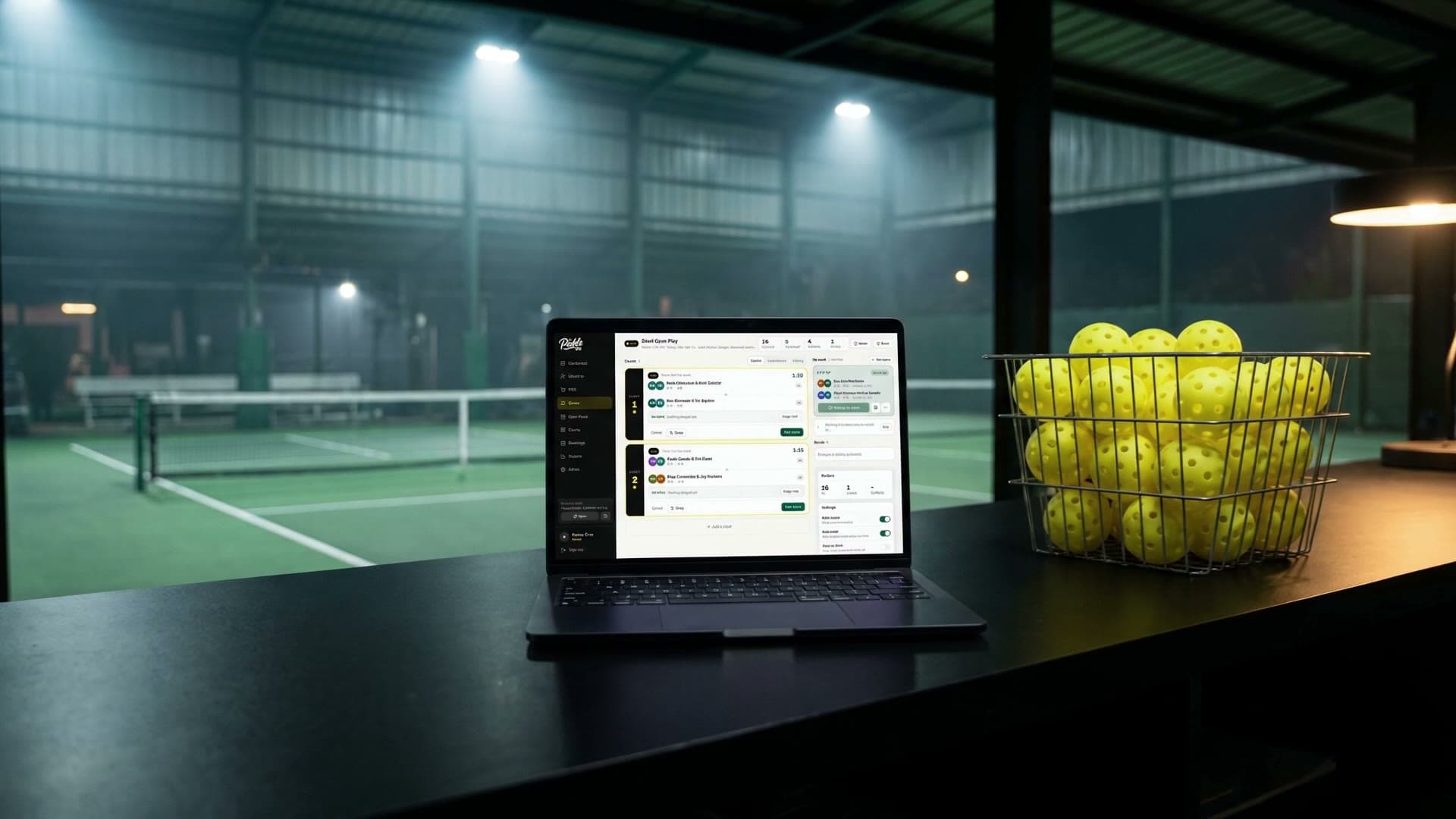
02 · For court owners
Take bookings online, run open play from one screen, and put the night up on the big screen.
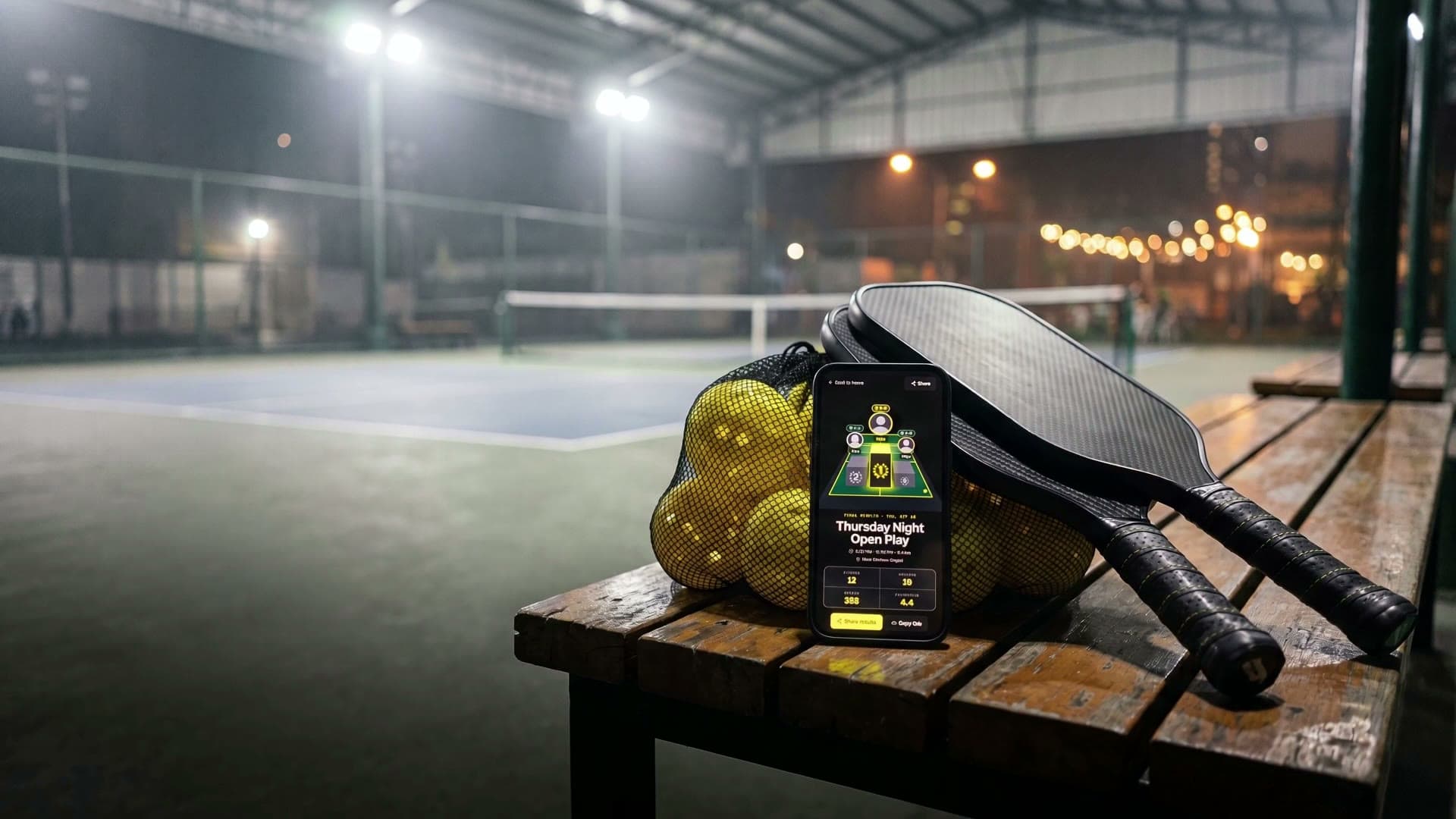
03 · For clubs
List your club, invite your people with one link, and keep sessions for members.
Pricing
Player and club accounts are free. Venues start on Launch at no cost, and move to Pro for the tools that run a busy night.
Free
Your account costs nothing. You pay the venue for the courts and sessions you book.
₱0
Free for good. No card, no end date.
Regular price ₱5,499, now ₱999 a month
We're upgrading Pro with new tools. Start free on Launch today.
Payments. Players pay by scanning a QRPH code with their bank or e-wallet app.
If Pro ends. Your venue moves to Launch. We email you a week before, on the last day, and after it ends.
No trial, no surprises. Launch needs no card and never expires. Pro is paid up front.
Questions
Straight answers before you sign up.
No. A player account is free. You pay the venue for the courts and open play spots you book, at the venue’s own price.
No. You can book as a guest with just your name, and add a phone number or email if you like. You get a link to manage the booking.
With an account, your bookings and results stay in one place.
Log in, then scan the QR code at the venue or enter the code, and you’re in the queue. No phone with you? The front desk can check you in.
Sign up, confirm your email, then set your courts, hours, pricing and payouts. Pickle OS reviews every new venue and emails you when it’s approved. Until then, players can’t find or book it.
Players pay online by QRPH when they book, from their bank or e-wallet app. You add your payout account in setup, and Pickle OS settles your bookings to it.
Anyone with a player account. Your club page goes live straight away.
Yes. A members-only session is listed with a lock, and only club members can join it.
Your venue moves to the free Launch plan. We email you a week before Pro ends, on its last day, and after it ends.